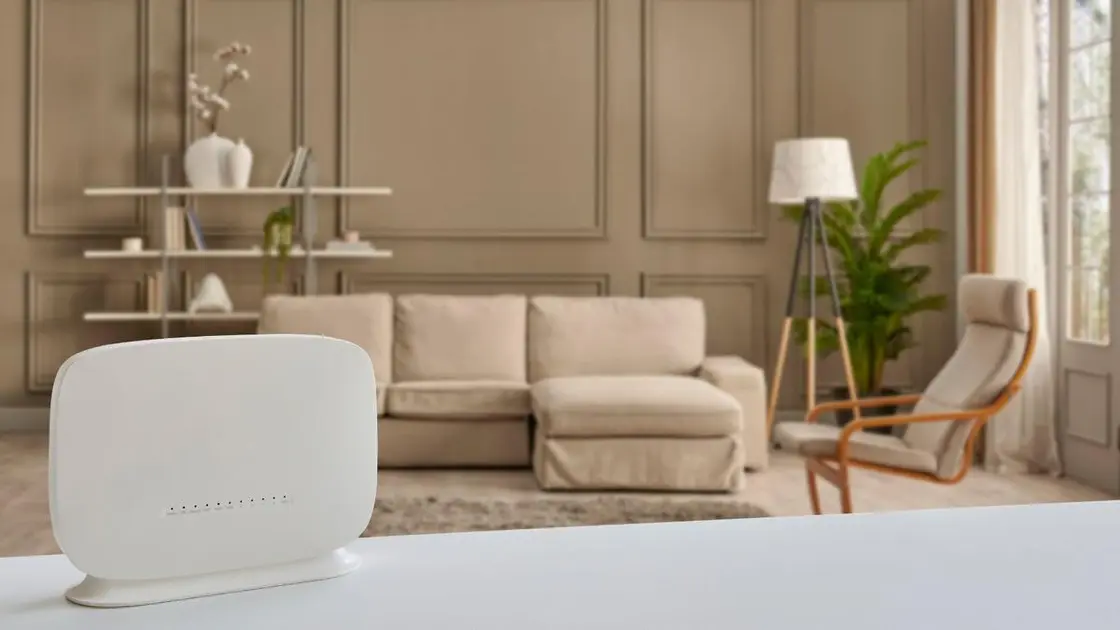
In today's digital age, a strong internet connection is essential, particularly for those working from home or using smart home technology. Rather than treating your router as an afterthought, consider its placement for optimal performance. Thoughtful positioning can lead to faster, more reliable internet access throughout your home.
This straightforward adjustment doesn't require technical expertise but can dramatically enhance your WiFi experience. Remember, both the location and your home's layout play a critical role in determining the best and worst spots for your router.
Since many devices depend on robust and expansive WiFi, repositioning your router can yield significant improvements.
Ideal Locations for Your WiFi Router
Each home is different, so it's wise to try various router placements. Use WiFi analyzer tools to track signal strength and identify the best location for your space.
1. Central Positioning
Just as we arrange living spaces for better flow, placing your WiFi router at a central point in your home is vital.
'Wi-Fi signals expand from the router in all directions, so if it's stuck in a corner, you'll create dead zones and poor coverage elsewhere,' says a tech analyst. 'Look for a central area to help the signal spread evenly across all necessary spaces.'
Central positioning can enhance signal strength in key areas like living rooms or home offices, ensuring the signal doesn't leak outside while maximizing indoor coverage.
While a central spot on a central floor is usually effective, one unique suggestion is to place it under the stairs. This area can act as a natural signal booster. The materials used in stairs, such as wood or drywall, can help reflect WiFi signals, improving coverage across floors.
This method can also minimize interference from other electronics, enhancing the signal's strength and stability. Just ensure it's dust-free.
2. Elevated Placement
Height is another essential factor. Keeping your router off the floor can significantly improve its range.
Higher placement allows for better signal dispersion and minimizes obstructions. Positioning it on a desk, high shelf, or wall-mounted at standing height, like this WALI wall mount from Amazon, can help avoid coverage problems caused by floors and furniture.
'Avoid placing your router near dense objects like aquariums, mirrors, or large furniture that can absorb the Wi-Fi signal,' advises the tech analyst.
3. Using a Dedicated Stand
While not mandatory, using a dedicated stand can keep your router elevated and free from obstructions.
Ensure the stand is located in an open area, clear from furniture or metal objects that could block the signal. If you're setting it up in the living room, consider a stand that elevates it above your sofa and coffee table.
Meyer Wooden Drink Table | $129.00 from West Elm
While a router isn't the most visually appealing item, a stylish stand can enhance its look, available in heights from 18" to 21".
Additional Suggestions
If relocating your WiFi router doesn't yield the desired improvements, consider these alternatives.
Upgrade Your Router: If you experience weak signals or dead zones, investing in a new router or a mesh networking system could improve coverage and strength, according to a tech expert. These TP-Link Deco 6 mesh systems are popular on Amazon.
Avoid Wireless Range Extenders: While useful on occasion, these can slow down performance due to signal redundancy. For larger homes or connectivity challenges, mesh systems are typically superior.
Utilize Wired Connections: Ethernet backhaul, connecting access points to the main router via cables, can significantly enhance speed and reliability, especially in larger or multi-level homes.
Keep Electronics Away: Place your router away from large appliances and metal decor that may disrupt the signal. Avoid placing it near kitchens or metallic decorations that could impede performance.
Adjust Antenna Positioning: If your router has external antennas, position one vertically and one horizontally to maximize coverage, suggests a marketing head from a tech company.
By considering these strategies and finding optimal router placement, you can enhance speeds, diminish dead zones, and maintain a seamless Wi-Fi experience for all your devices.